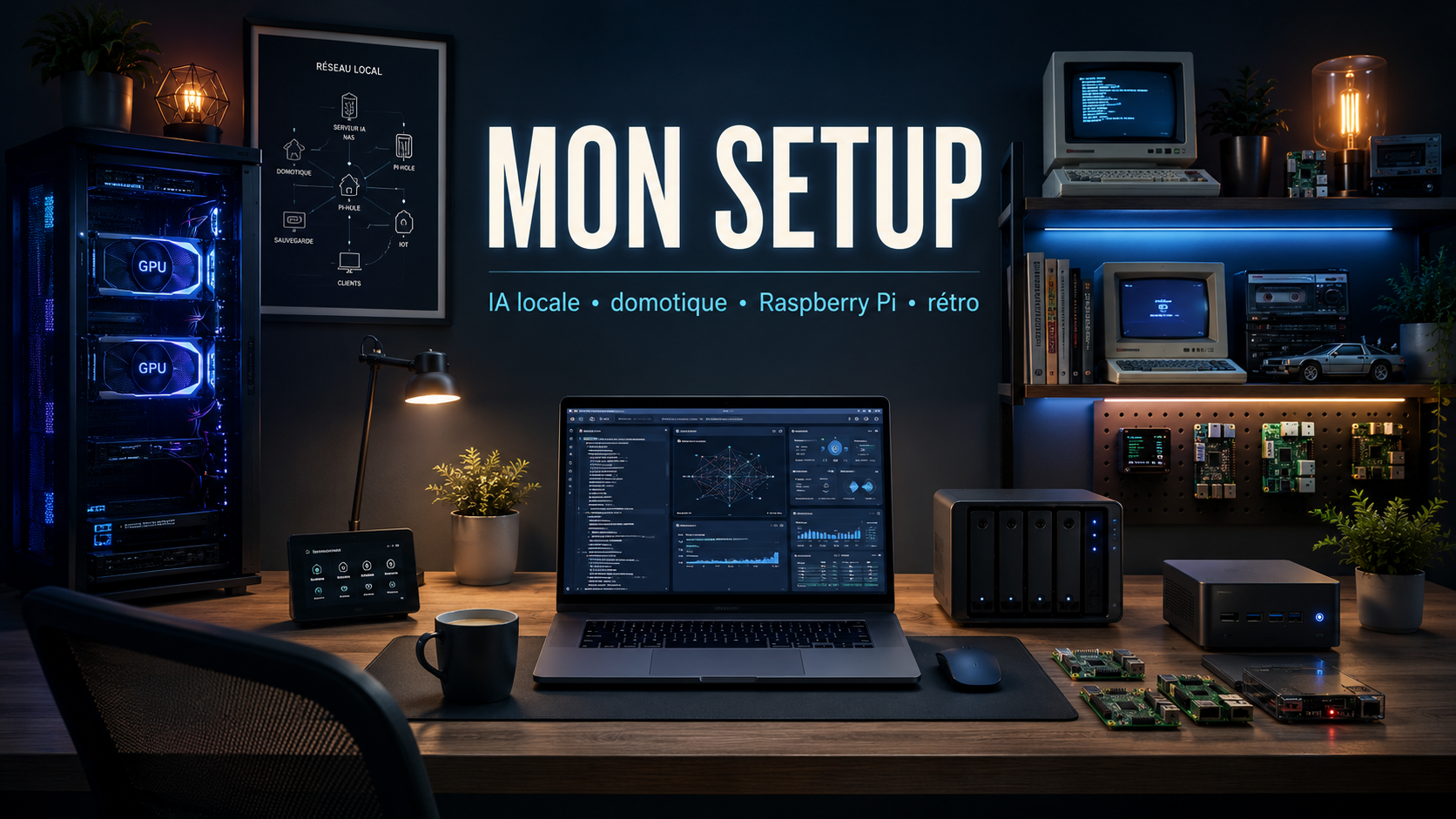
If there's one subject I like to talk about, it's computer hardware. Over the years, I have accumulated what my wife affectionately calls a pile of junk. In reality, it is above all a collection of machines and gadgets that I like to test, repurpose and integrate into my work environment.
01The server dedicated to artificial intelligence
The first major machine in my setup is a computer entirely dedicated to artificial intelligence and video processing.
Its main configuration is as follows:
- 64 GB DDR4 memory;
- an AMD Ryzen 5 5600X3D processor;
- two NVIDIA RTX 3060 graphics cards of 12 GB each;
- a Google Coral USB TPU accelerator;
- Ubuntu as operating system.
Its first role is to run several artificial intelligence models locally. In particular, I use a Gemma model of around 9 billion parameters as well as a GPT-OSS model of 20 billion parameters.
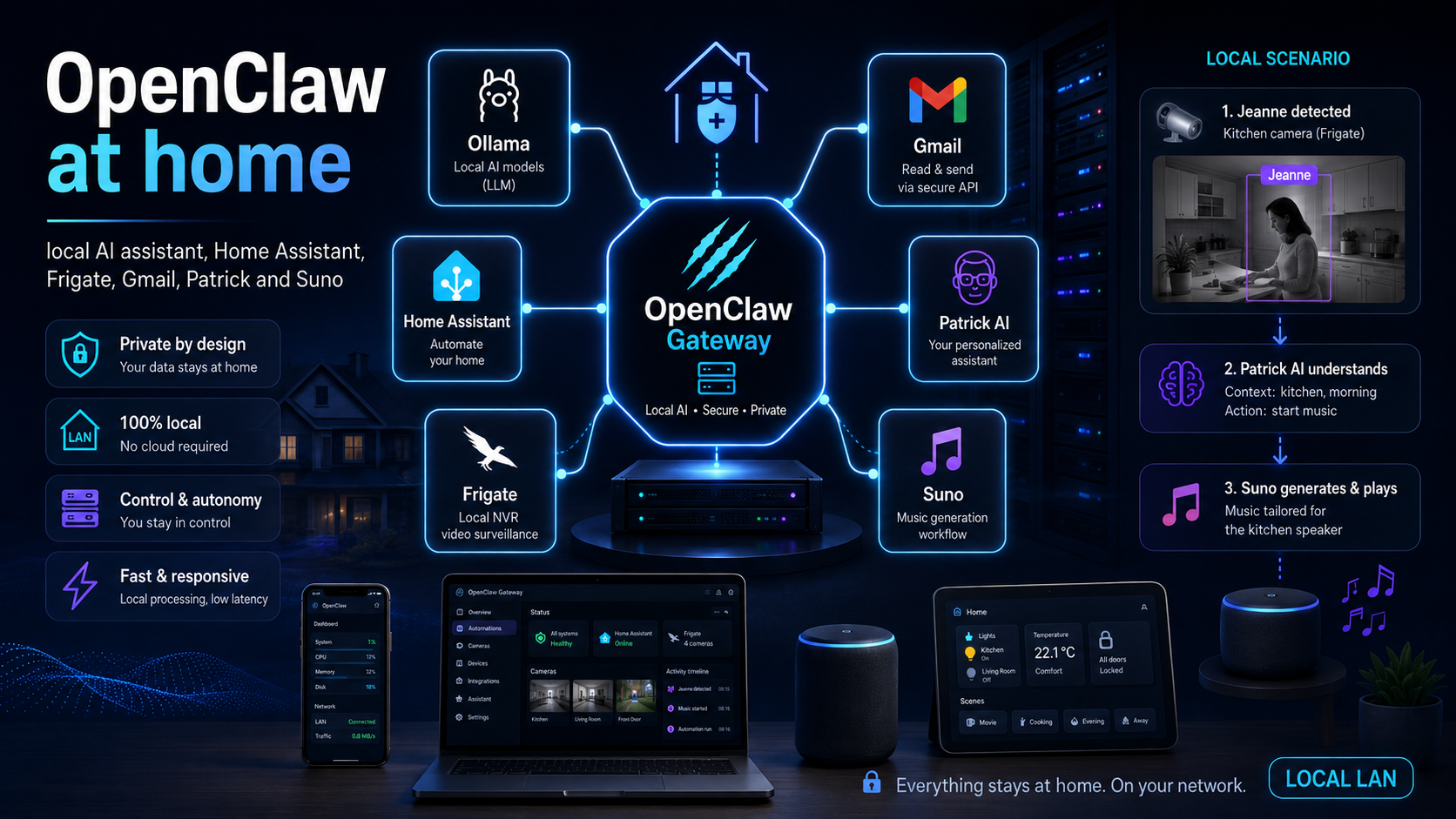
This machine also hosts Frigate, which centralizes the home's security cameras and provides object detection. Coral USB speeds up some of the processing related to video surveillance, while other components support more advanced functions, including facial recognition.
The advantage of this architecture is to keep the most sensitive processing at home, while having sufficient power to experiment with local models.
02The home automation server
Home automation is based on a small machine equipped with an Intel Celeron processor and Home Assistant OS.
It manages several protocols used in the house:
- Z-Wave, indirectly through a Fibaro controller;
- Zigbee;
- 433 MHz RF;
- Home Assistant network integrations.
A large part of the house is now connected: switches, NSPanel panels, charging station, solar panels, heat pump and various sensors.
I deliberately separated home automation from the AI server. Home Assistant thus remains available even when an experiment monopolizes the graphics cards or requires restarting the machine dedicated to AI.
03The Synology NAS
Central storage is based on a Synology NAS equipped with five disks. It is primarily used for backing up my files outside of cloud services, but it also plays an important role in the entire homelab.
It centralizes data useful to Raspberry Pi, backups of several services and various files necessary for test environments.
The NAS is the quiet foundation of the setup: we hardly notice it on a daily basis, but a large part of the other machines depend on it.
04The Raspberry Pi in PoE and PXE
I also have five Raspberry Pi 4 powered by PoE. They boot from the network using PXE and use Synology for part of their storage.
This architecture was born from a very concrete problem: microSD cards regularly ended up wearing out or corrupting. Every six months or so I had to replace a card and rebuild a system.
Network booting greatly limits this dependence on microSD cards and simplifies machine maintenance.
Each Raspberry Pi runs Docker and can host small services: lightweight databases, internal tools, network-level ad blocking, testing services, or temporary components.
These are not the most powerful machines in the installation, but they are probably the most practical when a small isolated service needs to be quickly deployed.
05My main computer: a MacBook Pro M4
My main workstation is a MacBook Pro M4 equipped with 32 GB of memory.
This machine is a marvel to use on a daily basis. I rarely manage to push it to its limits, even when working with multiple development environments, containers, and different AI tools simultaneously.
I left macOS about four years ago to return to Windows. Eventually I went back to Mac. For my use, macOS remains the best compromise between stability, battery life, a Unix environment and comfort of use over time.
This obviously remains a personal preference. Certain tasks and certain professional tools remain simpler under Windows, hence the interest in maintaining several environments.
06The Raspberry Pi 400
The Raspberry Pi 400 is one of the machines I am most attached to. Its format, directly integrated into a keyboard, makes it particularly pleasant to use.
It offers sufficient performance for everyday use at 1080p while remaining very energy efficient.
I use it in particular with Cura to prepare and slice STL files intended for the 3D printer. It is also used for web browsing and various lightweight experiments.
It is also an excellent machine for learning about computers. My daughter learned to use the keyboard and mouse thanks to Adibou 2 on this Raspberry Pi. This type of machine allows you to experiment without fear of breaking an expensive computer.
07The versatile mini-PC
I also use a Minisforum mini-PC a lot with a Ryzen 7 7735HS and 32 GB of DDR5 memory.
It's approximately the size of an Xbox controller, but offers astonishing performance for its size.
I use it in particular for focused vibe coding sessions, when I want to have a machine dedicated to a task without disturbing my main environment.
For the record, it is even capable of running Call of Duty: Warzone at low settings at around 40 frames per second. This is obviously not its intended purpose, but it clearly illustrates its versatility.
08The gaming PC
I also have a PC dedicated to gaming and tasks requiring high general computing power.
Its configuration includes:
- an AMD Ryzen 9 5900X processor;
- an AMD Radeon RX 6900 XT graphics card;
- 64 GB of DDR4 memory.
I bought this machine during the early mainstream adoption of generative artificial intelligence. At the time, I quickly discovered that the AI software ecosystem was much more mature on the NVIDIA side. The AMD card, although very powerful, was less easy to use for my experiments.
However, it remains excellent for video games, compilation and certain heavy tasks, notably the compilation of Android projects.
This PC clearly illustrates a point often forgotten: theoretical performance is not enough. The quality of the software ecosystem and available tools sometimes matters as much as raw power.
09The retrocomputing section
Part of my collection is devoted to machines from the past. It includes in particular:
- an Amstrad CPC 464;
- an MSX;
- a Thomson TO7;
- a PowerBook G4;
- an iBook G3 Clamshell.
These computers are not just decorative. I like to put them back into operation, understand their constraints and try to build bridges between modern development and historical platforms.
Recently, I had fun creating demakes of some of my modern programs in order to make them run on CPC 464. With the help of Codex, I generated programs suitable for the machine, then WAV files containing the audio signal.
I then loaded these programs onto the CPC through the cassette player, using a cassette-to-jack adapter.
Seeing a modern program reinterpreted for such an old machine is particularly satisfying. Memory, storage and power constraints force a return to fundamental principles of development.
10Why keep so many machines?
You might think that all of this is a lot of hardware. However, each machine has a real use.
When I need to develop or adapt an application for a client, I can test in production-like environments without having to virtualize or simulate everything.
I can work directly under Linux, macOS or Windows, on x86-64 and ARM architectures. This diversity makes it possible to more quickly detect certain problems related to the system, dependencies, performance or deployment.
This setup is therefore a working environment, a laboratory, a playground and a collection.

Comments
0 commentsNo published comments yet. Be the first to respond.